What I offer
What I do for you
01
Websites
A clear, fast website to present your activity, easy to read on a phone and easy for you to update.
02
SaaS and web platforms
An online platform with accounts, dedicated areas, online payment and protected data.
03
Mobile apps
An iOS and Android app for the everyday task, connected to your platform.
04
Process automation
A repetitive task handed to a program that connects your tools, with AI where it helps: an agent that prepares the work, an assistant that answers questions about your field, and a person who approves where it matters.
The six steps of the process
Typical approach: every project is scoped with you.
01 Scope
01 First conversation
You describe your project; I ask the questions that are missing.
02 Scoping and written proposal
Websites
Who needs to find what on the site, and what you expect from each visit.
You decide: the structure and the contentSaaS
The users, their accounts and permissions, what is paid for, and the data to protect.
You decide: the scope of the first versionApps
The task the app must make easy, and the moment it happens.
You decide: what it does, and what it does notAutomation
The repetitive task, who does it today, and where a mistake is costly.
You decide: what stays in human hands
02 Build
03 Mock-up for your approval
You see the main screens before development starts.
04 Development in short steps
Websites
Fast, accessible pages, on a tool you will be able to handle yourself.
You decide: every page, before it goes liveSaaS
A first usable version early on, then short releases, each one reviewed.
You decide: every release, before it goes liveApps
An iOS and Android app, connected to your existing accounts and data.
You decide: every step, tried on your own phoneAutomation
A workflow that connects your tools; an AI agent only if it adds something: it prepares, it does not publish.
You decide: every proposal, before it goes out
05 Testing and launch
Checked on phone, tablet and computer, then put live.
Apps
You decide: when it is released
03 Get it adopted
06 Handover and follow-up
Websites
I show you how to update it, then look after the technical side.
You decide: what gets publishedSaaS
Journeys tried out by real users, screens that explain themselves.
You decide: what comes nextApps
Reminders, first steps, screens tried with the people who will use it.
You decide: what comes nextAutomation
I explain the tool, its benefits and its limits, to the people who use it.
You decide: the settings, at any time
Already built
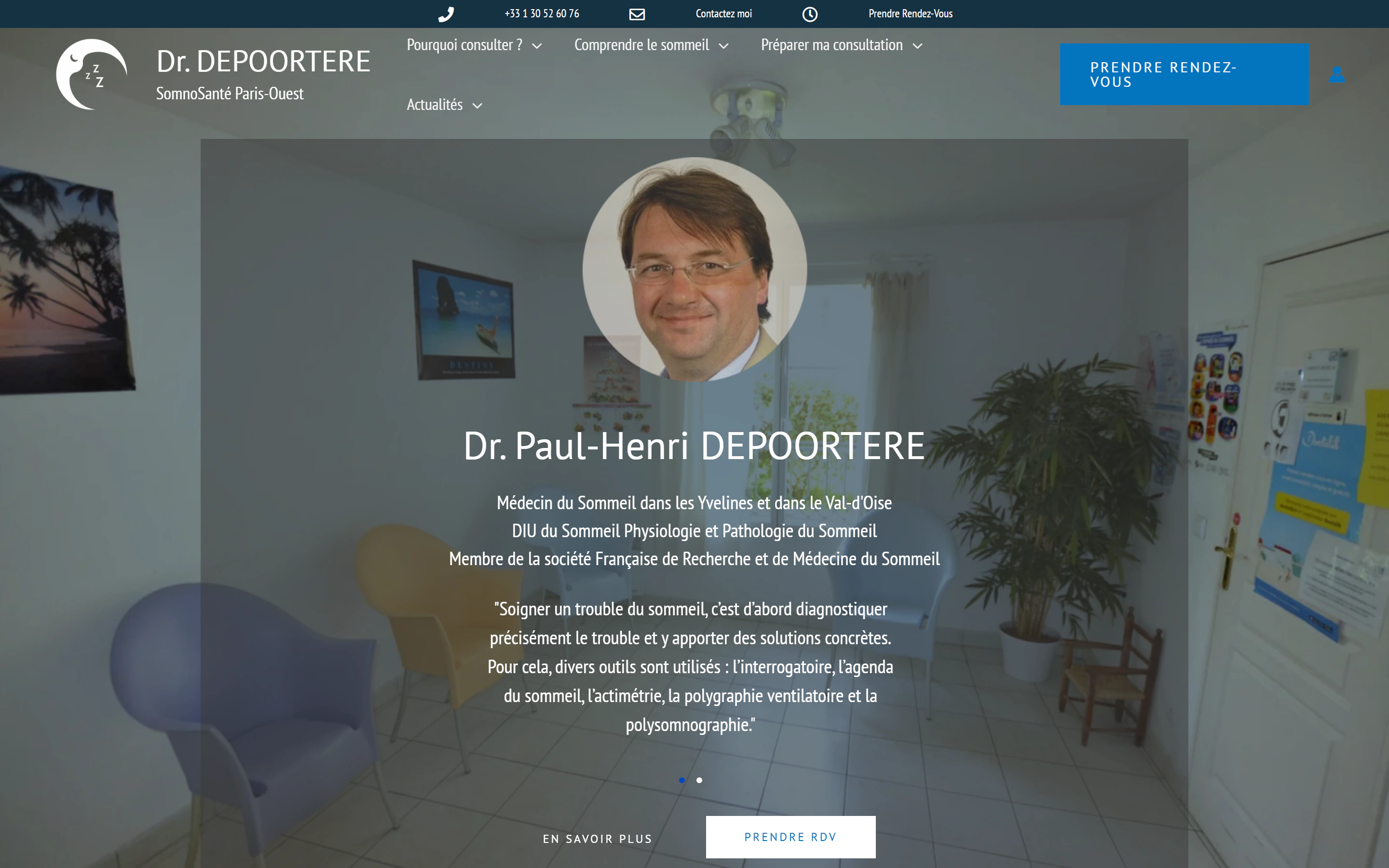
Websites
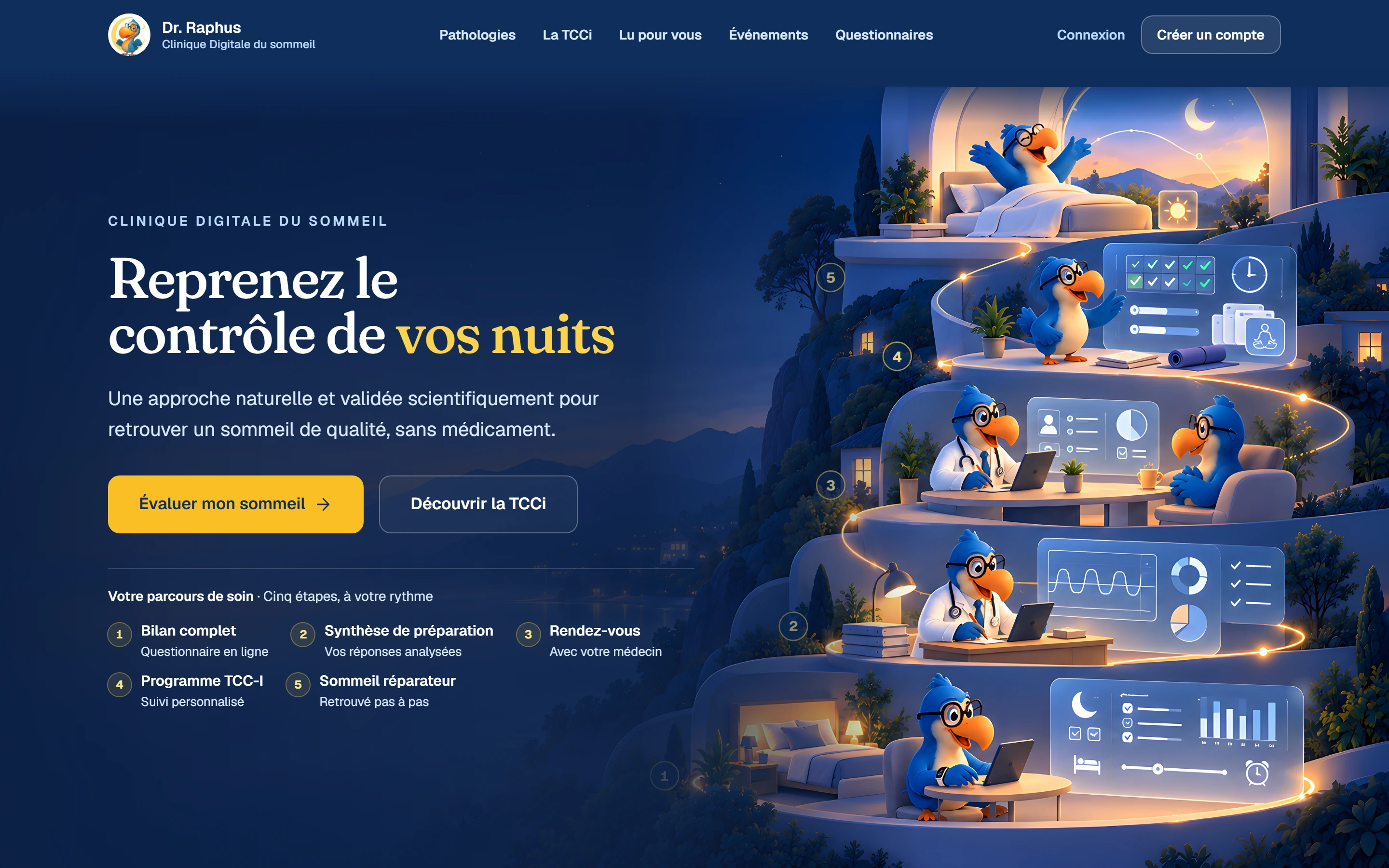
SaaS and web platforms
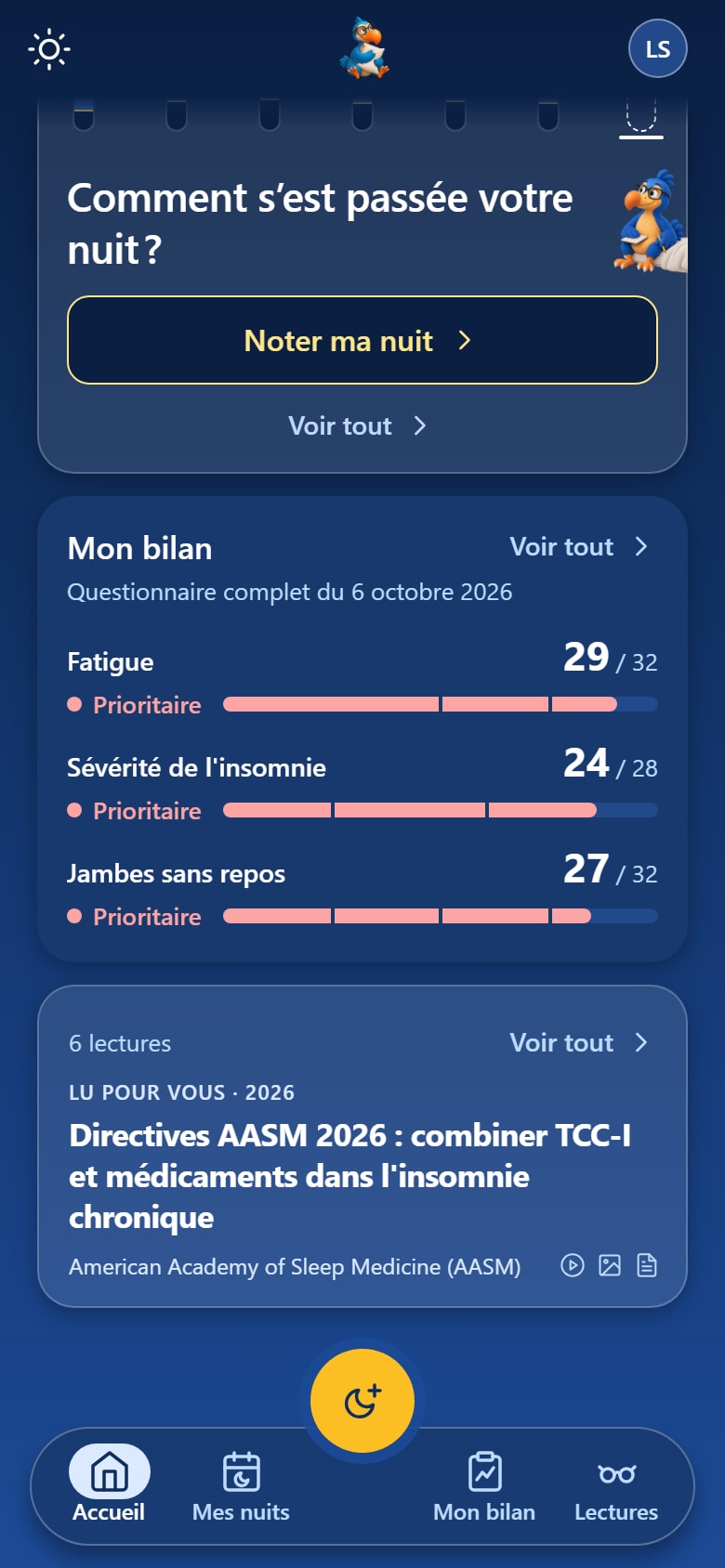
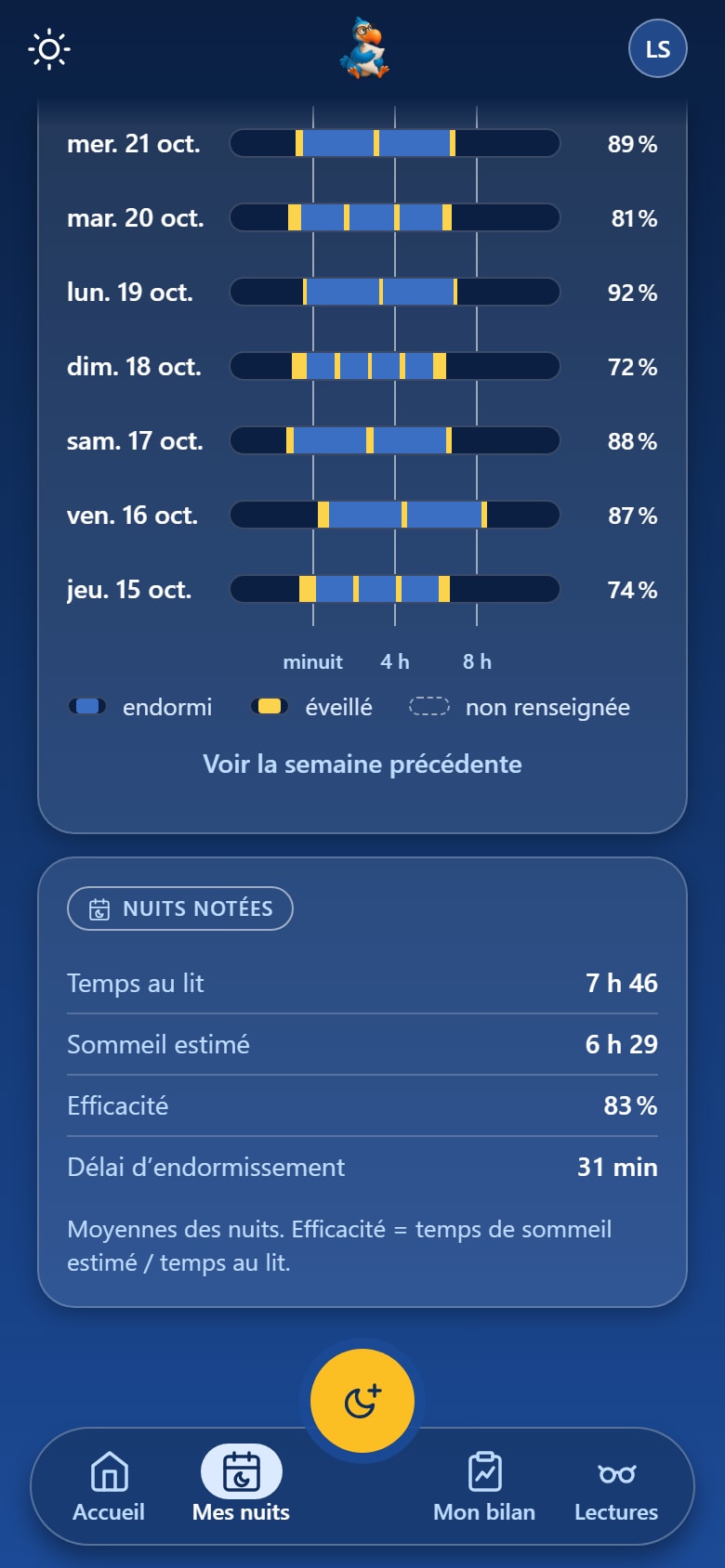
Mobile apps
Process automation
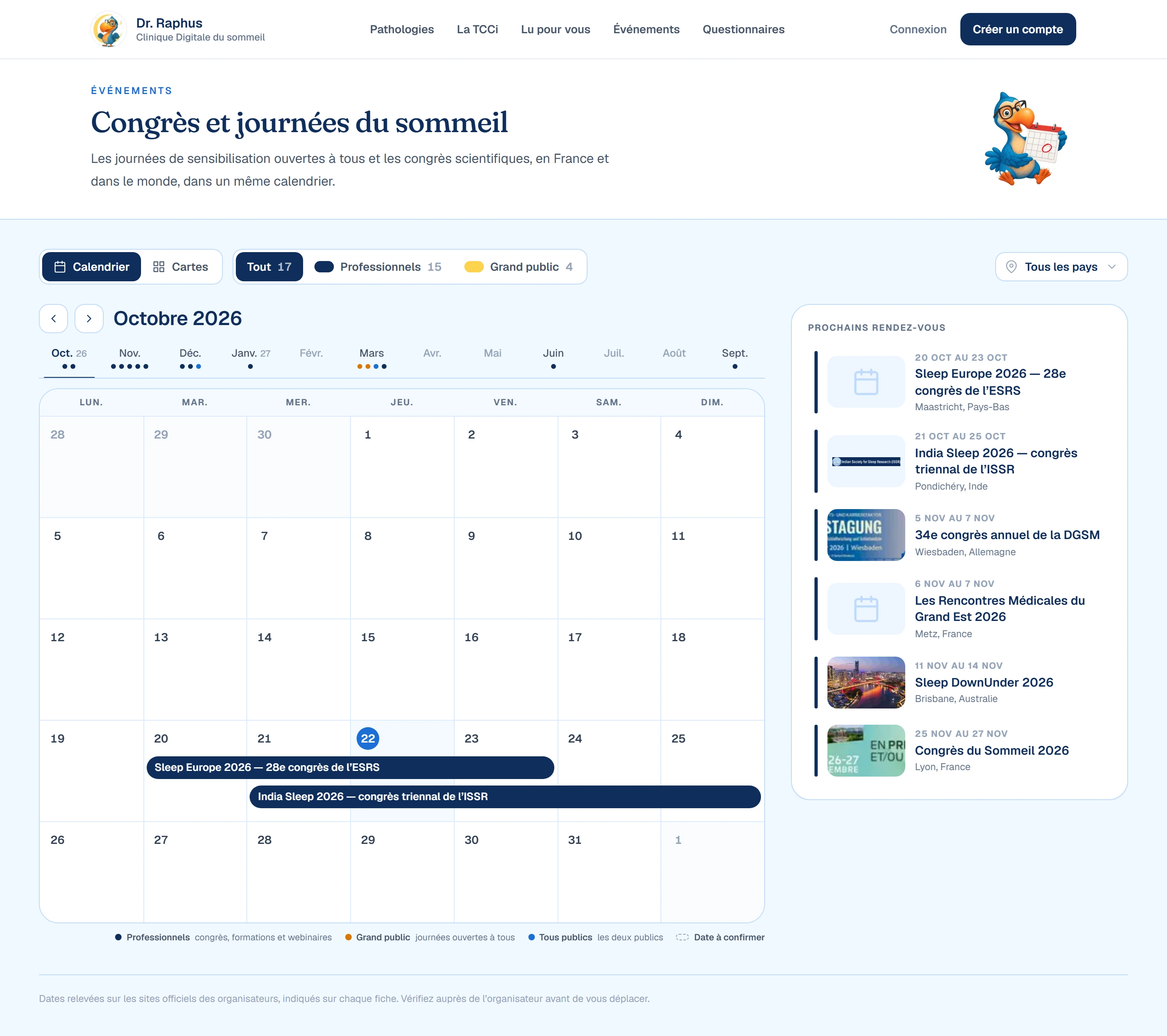
The Dr Raphus event watch
5 October 2026 · 4 changes proposed · approved on 5 October
Read the case study Also: Atelier
+ specialty
Healthcare specialty
Two years at a healthcare communications agency, a master’s in Health, AI and IoT, and tools built for doctors: I know the sector’s requirements, from sensitive data to scientific rigour.